




Dear Visitor!
I am offering a banproof save editing service for most games. Here you can see what i offer for this specific game.
There are two versions of this game. The Switch 2 and Switch 1 version. The Switch 2 version will NOT work with this save!
However: If you want to play with this save on the Switch 2, Nintendo has a free update on the Switch 2 for the Switch 1 version, making it visually comparable to the Switch 2 version. The saves are not compatible with each other, unfortunately. If you haven’t bought the game yet, you may want to consider which version suits you better.
You can find the official information about versions here: https://en.bandainamcoent.eu/dragon-ball/news/dragon-ball-sparking-zero-nintendo-switchtm-software-update-data-patch
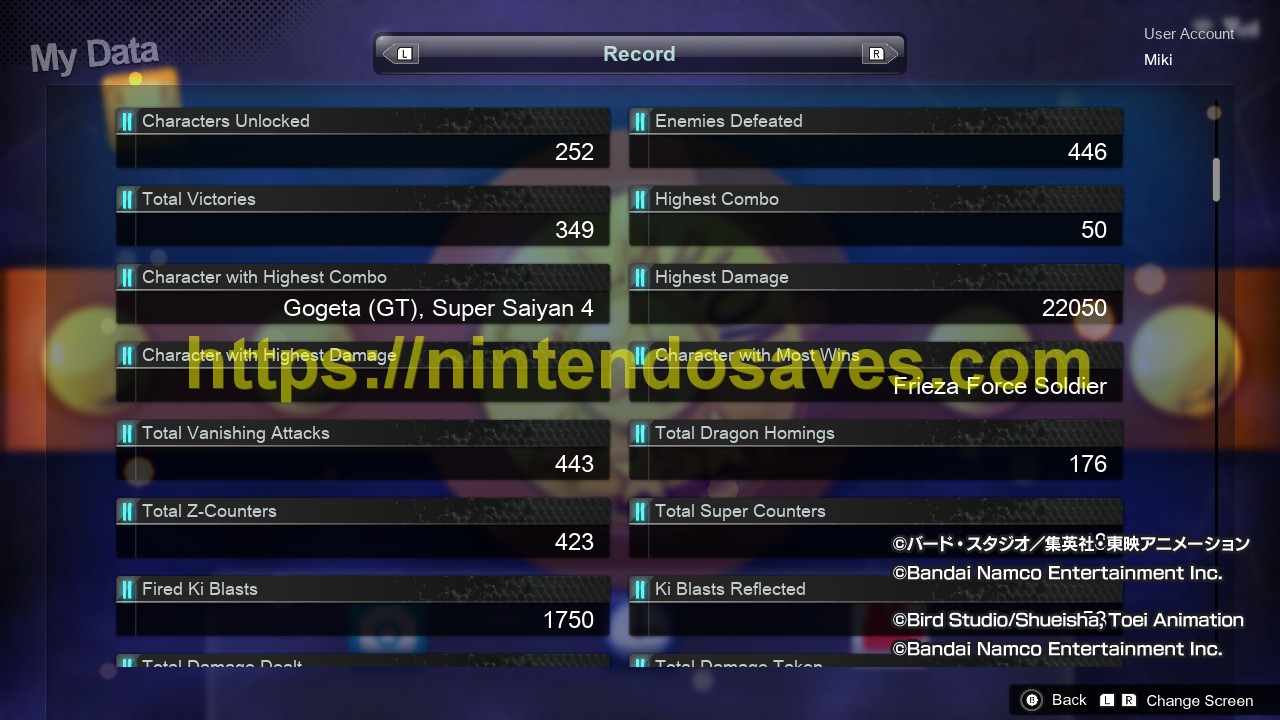
- 100% Completed
- Max Money
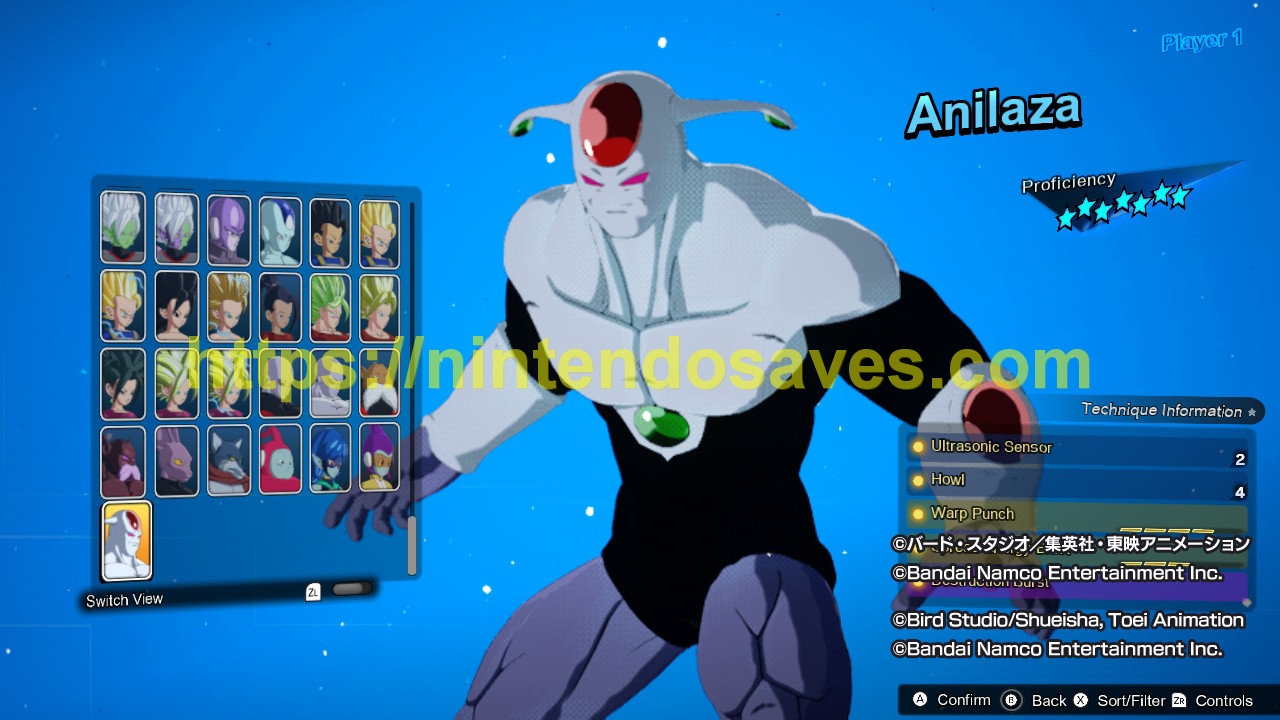
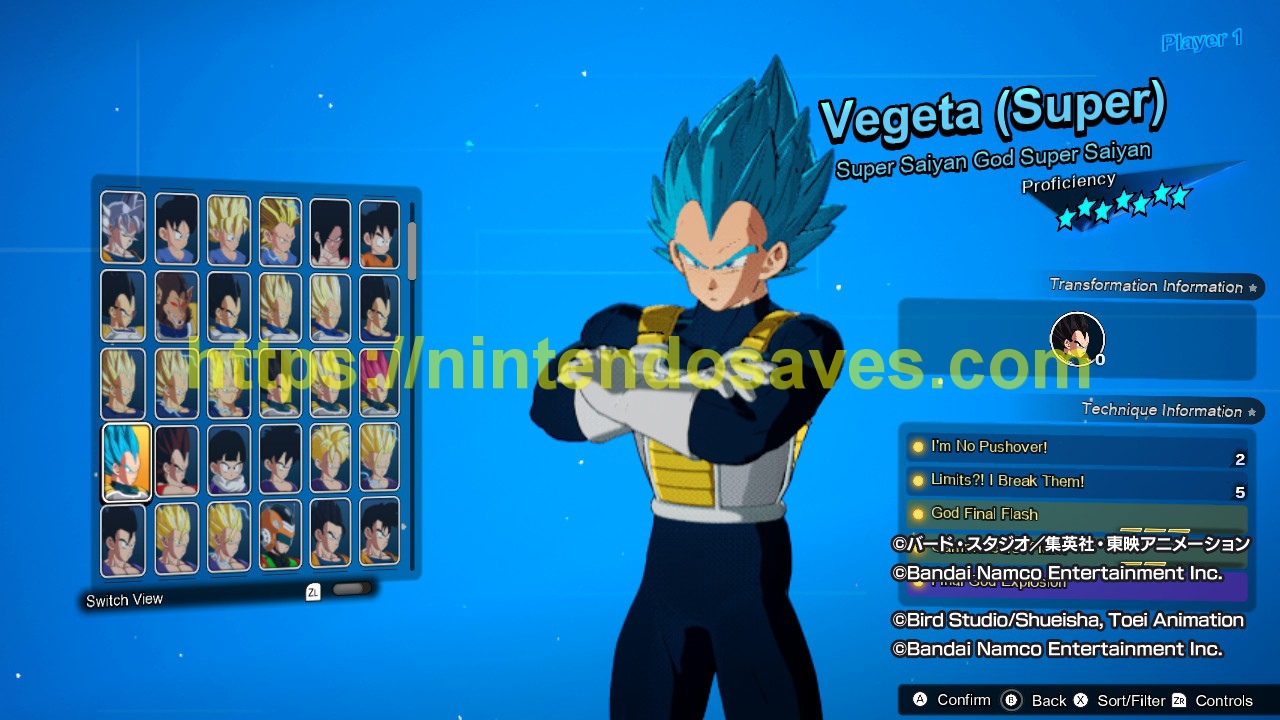
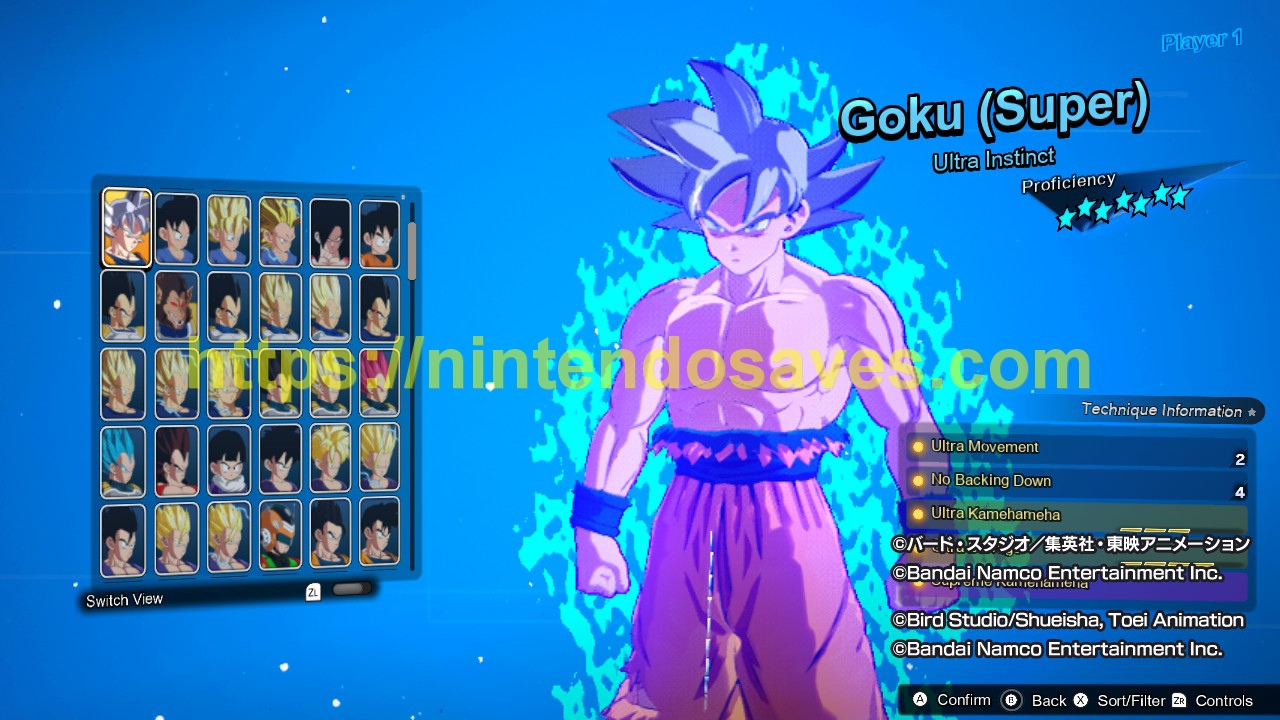
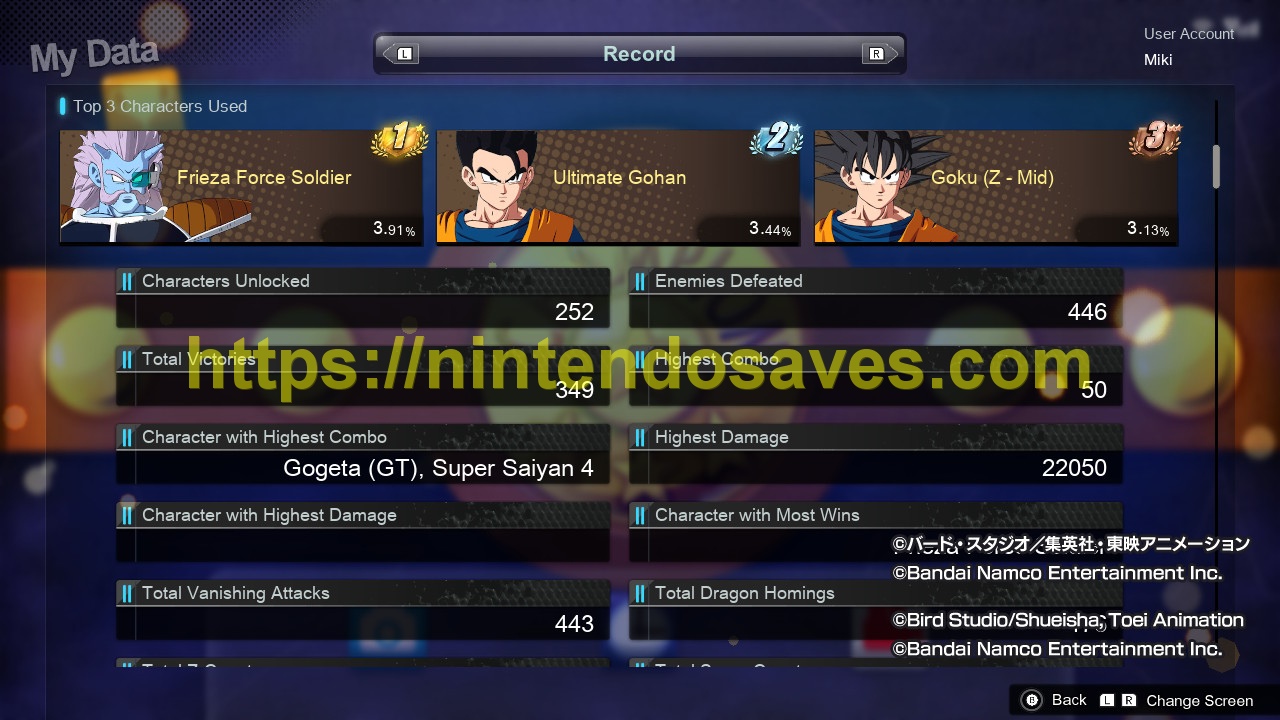
- All Characters Unlocked
- Max Proficiency for all Characters
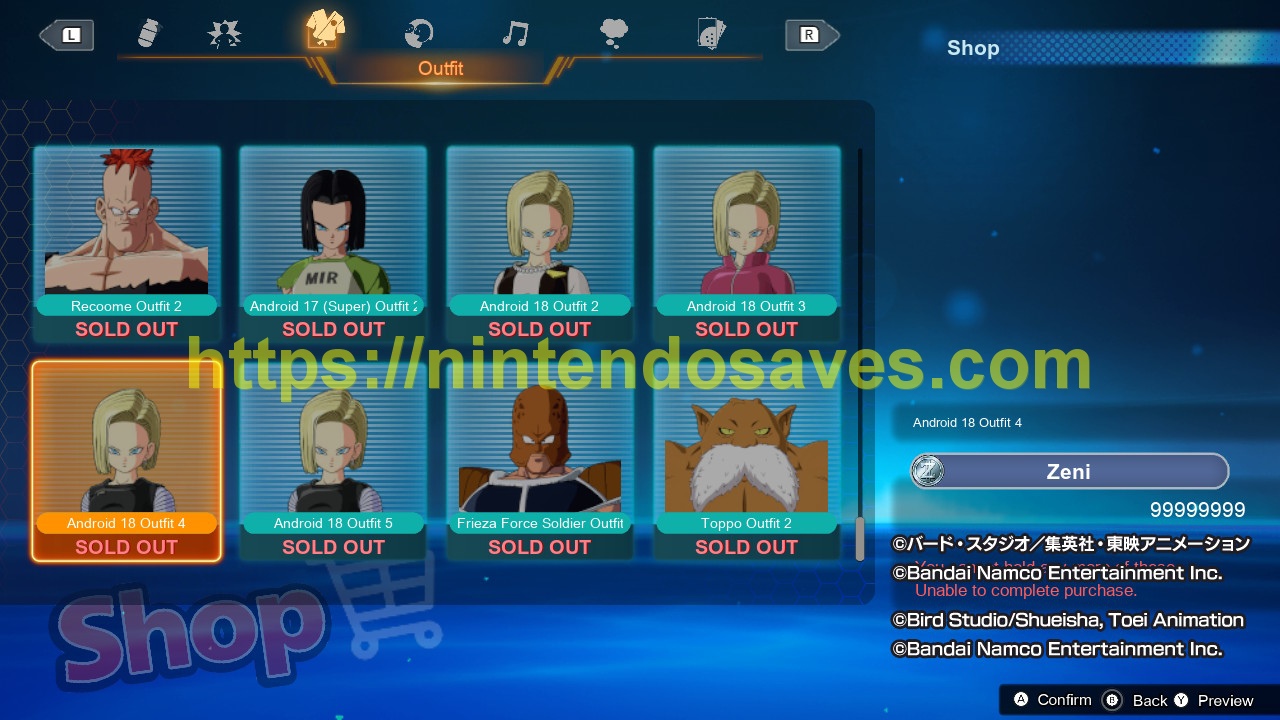
- All Outfits Unlocked for all Characters
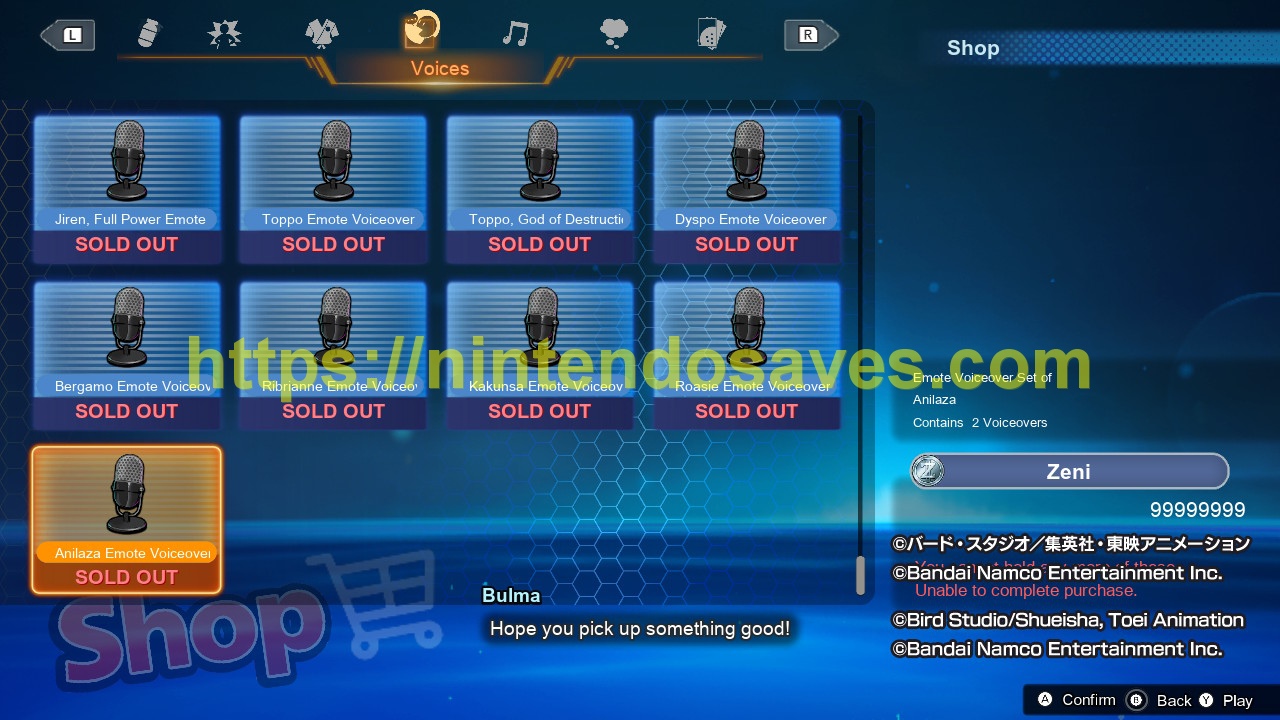
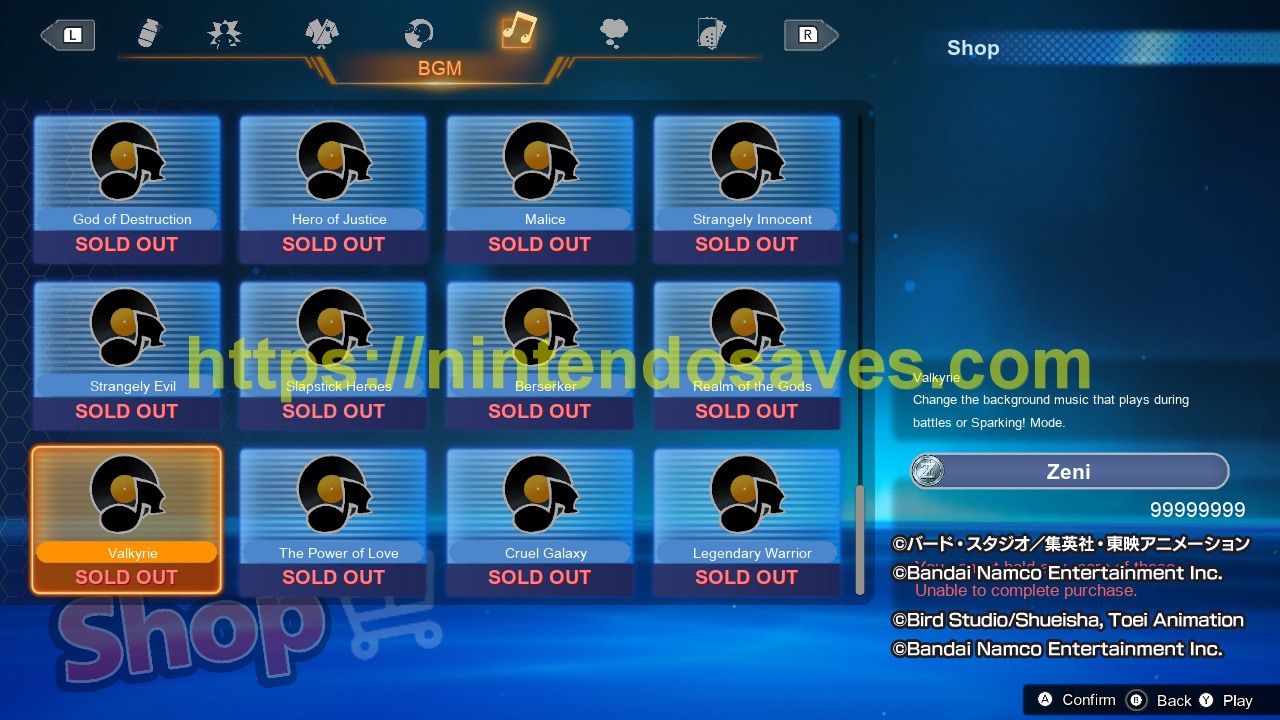
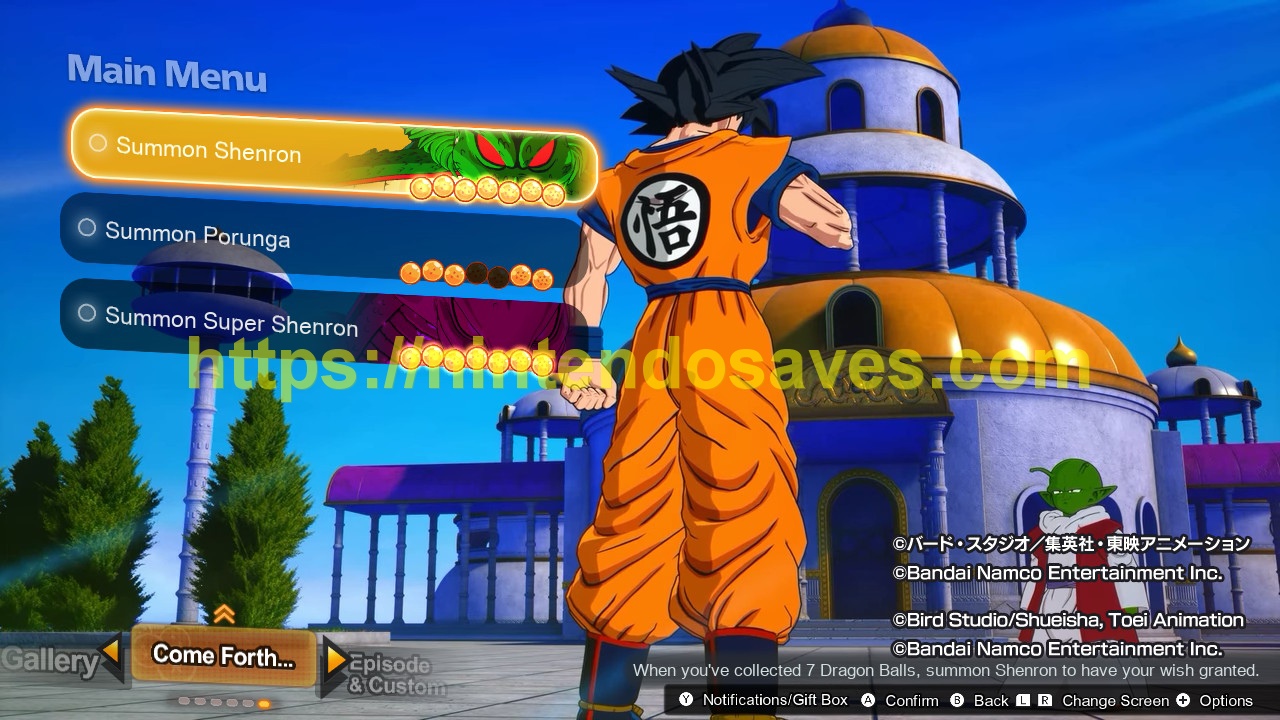
- All Items, Capsules Emotes, Ability Items Unlocked
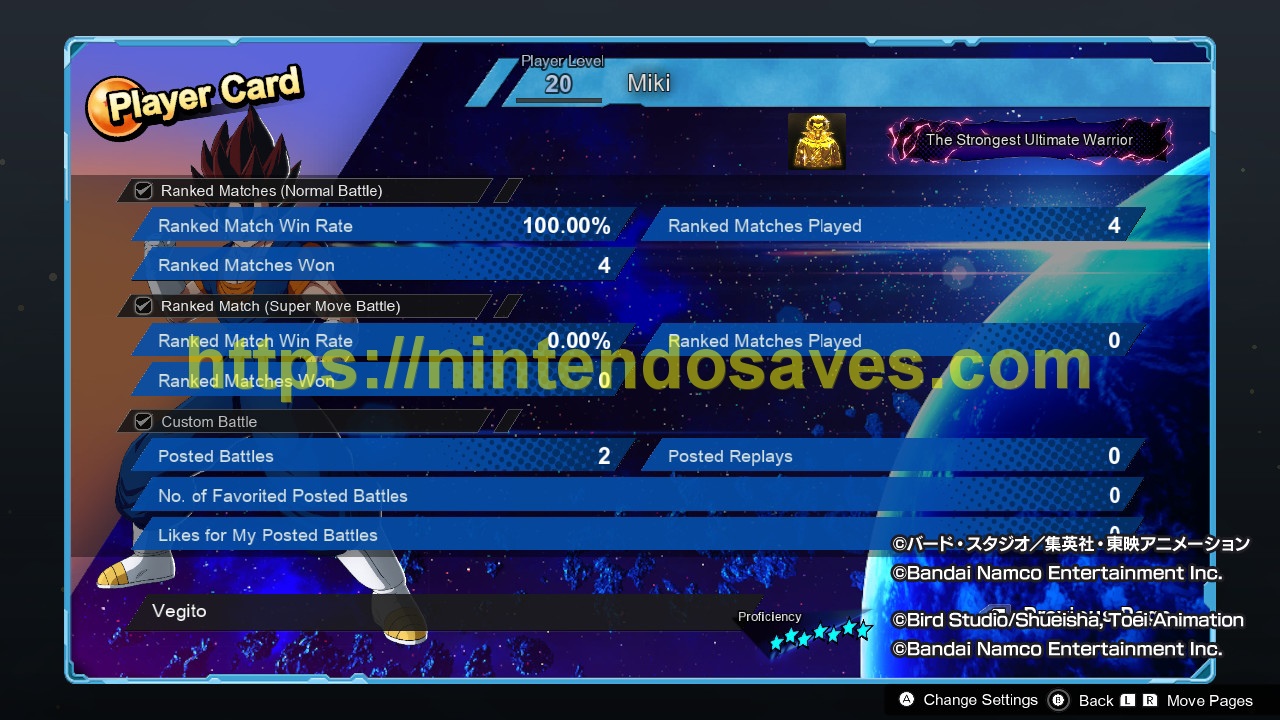
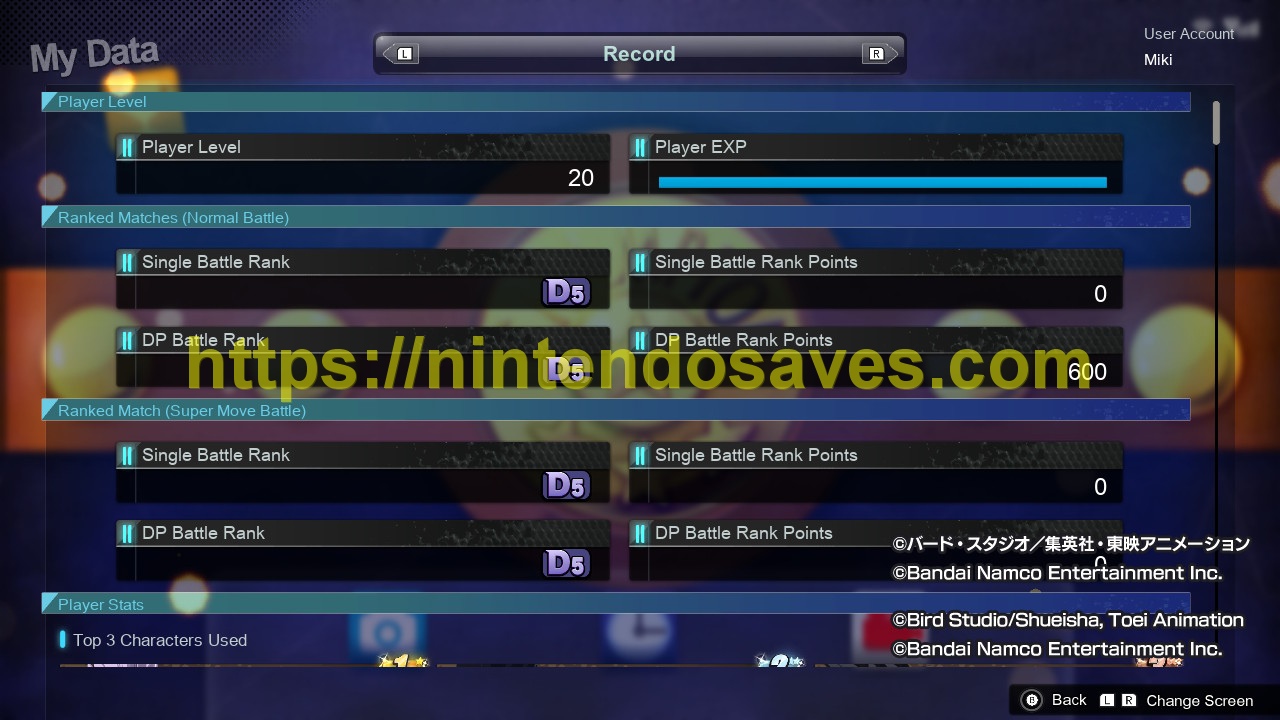
- 100% Ranked Match Win Rate
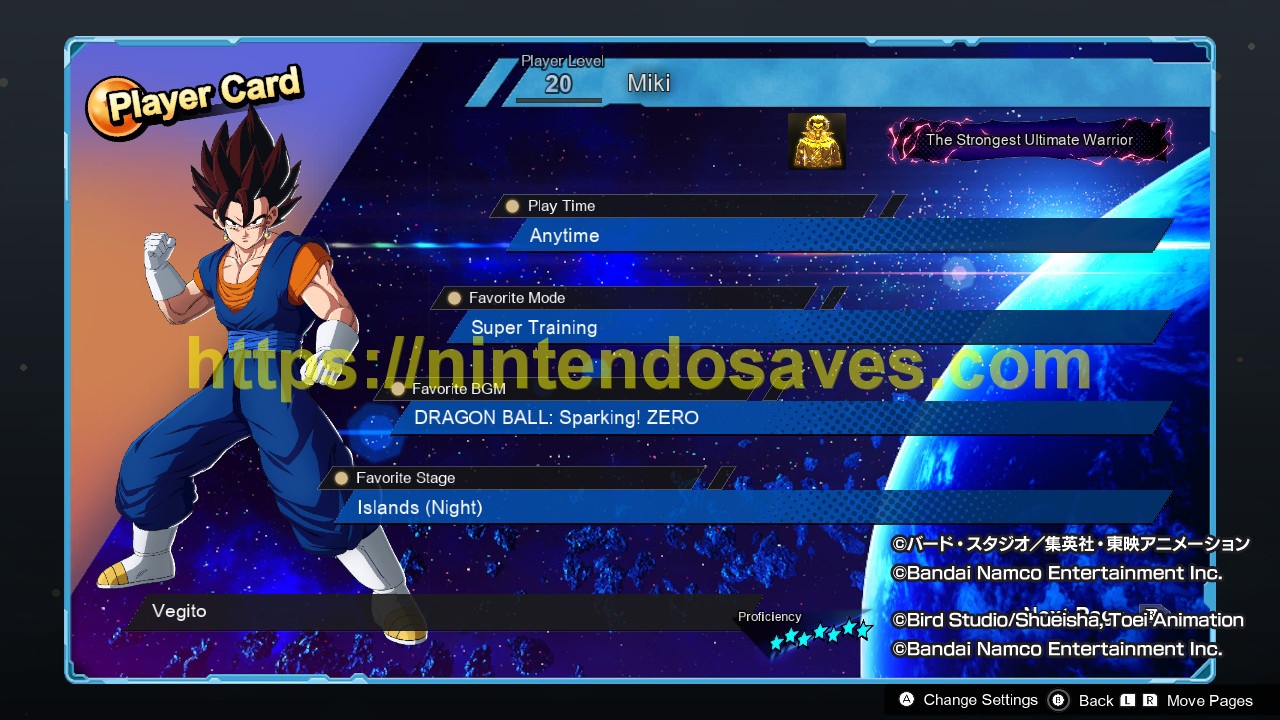
- Player Level 20
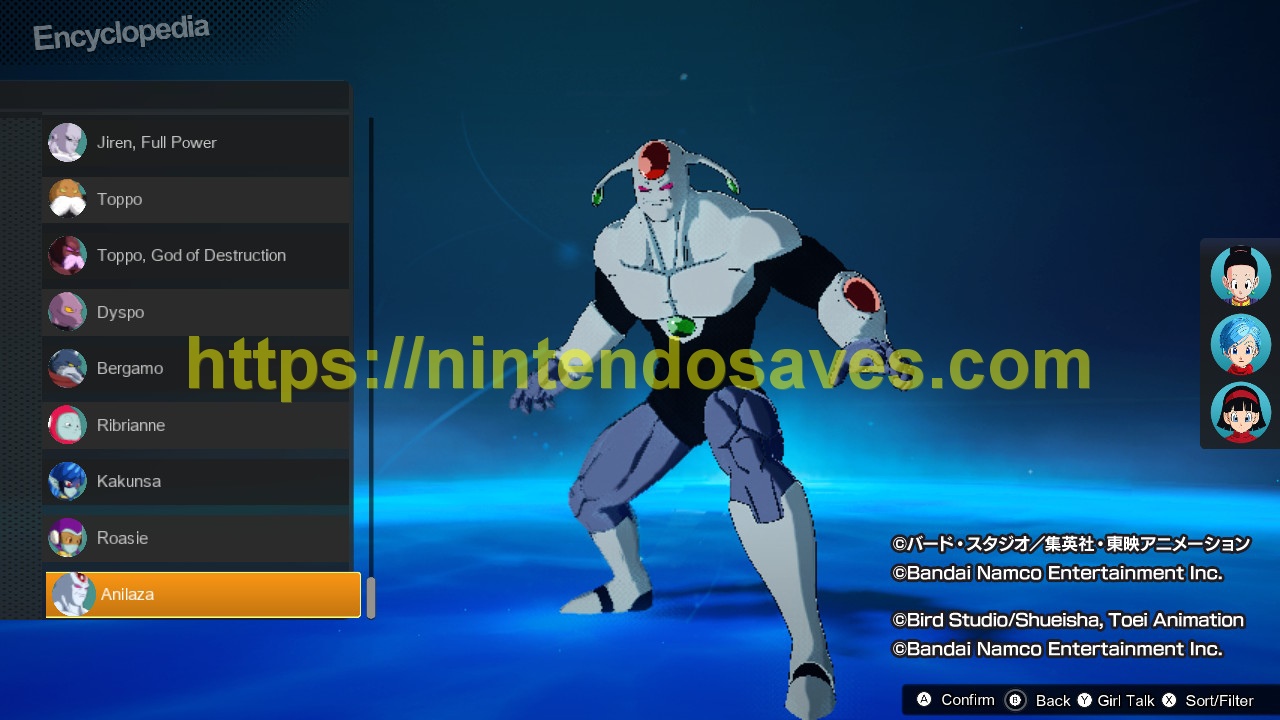
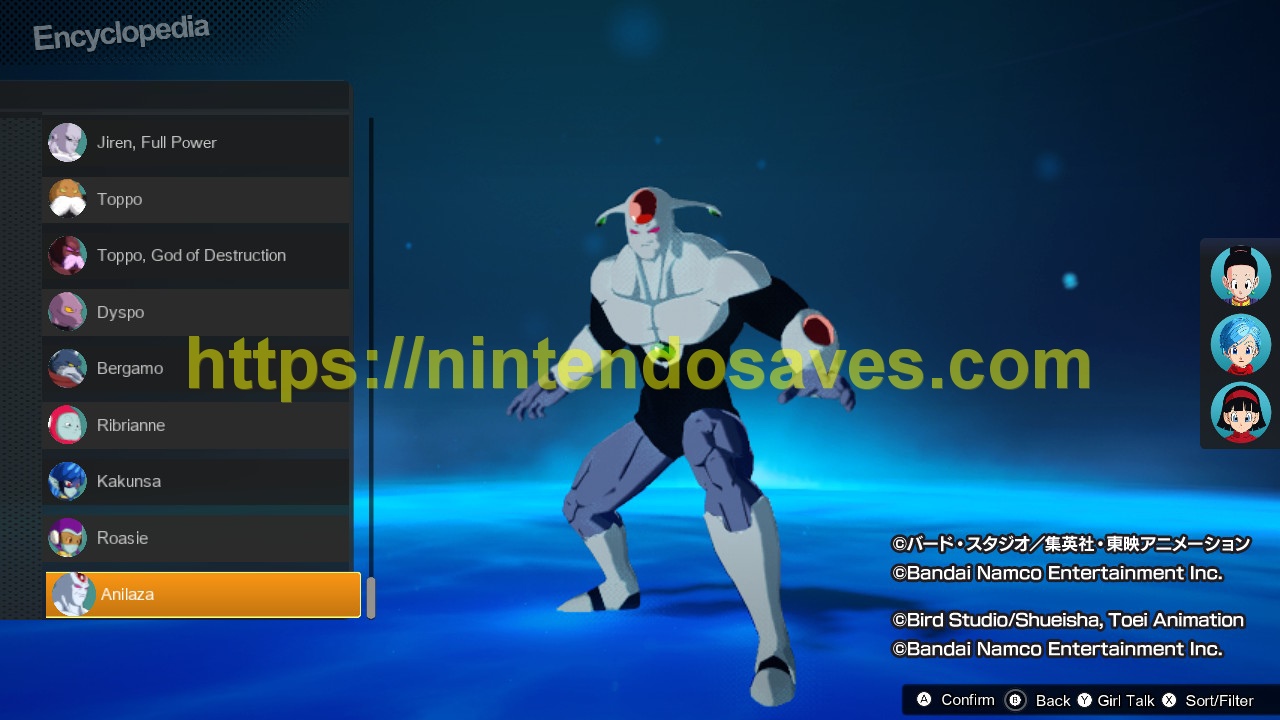
- Encyclopedia 100% Unlocked
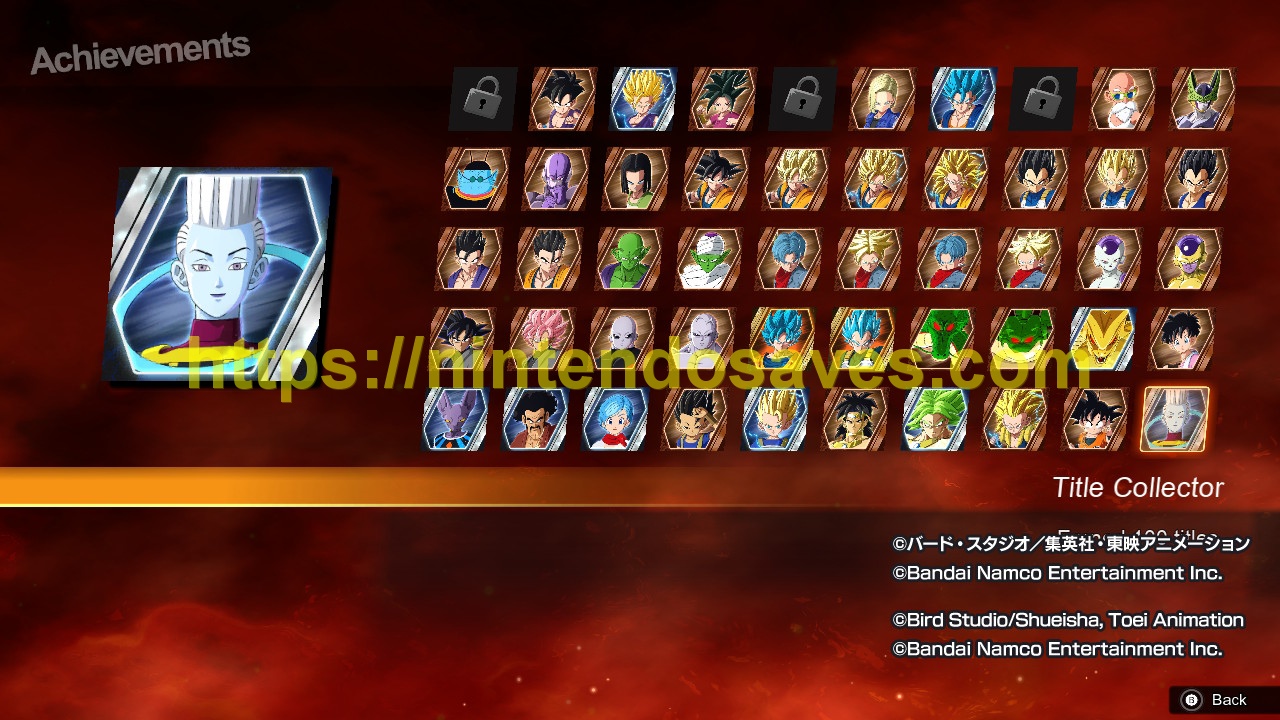
- Achievements are 99% Done (missing playing online a few battles, its easy to complete)
- All episodes/custom battles are completed
- Some Future DLC features are preunlocked
- All DLC characters and features are unlocked and maxed until DLC 2
- You can turn off Auto Cloud Backup in your cloud settings, and download the save again, after the DLCs release.
- Some visual features, which are not fully 100%: Titles, Whis’s Stamp Book, Zen-Oh’s Orders – These won’t affect gameplay experience
My contact on Discord: @miklos9104
Please note: Due to time difference I might be at work or sleep. My timezone is GMT+2. Otherwise feel free to contact me, I am at your service as soon as I can. Save editing service is around an hour depending on your needs.
From your side i will need a little cooperation to get your save file.
1. You need to upload your save file via Nintendo Online service. They have a 7 day trial, you can try it for free.
Navigate to System Settings–>Data Management–>Save Data Cloud–>Select your profile and the desired savegame, press Y to update–>Back up Save data
2. Contact me via discord or facebook. Wait for my response, that the service has been finished.
3. You can download your edited save now using these steps:
System Settings–>Select Data Management–>Save Data Cloud –>Select your profile and the desired savegame, press Y to update–>Download Save data
That’s it. Thank you for your time.
Feel free to contact me about any game and welcome from Hungary